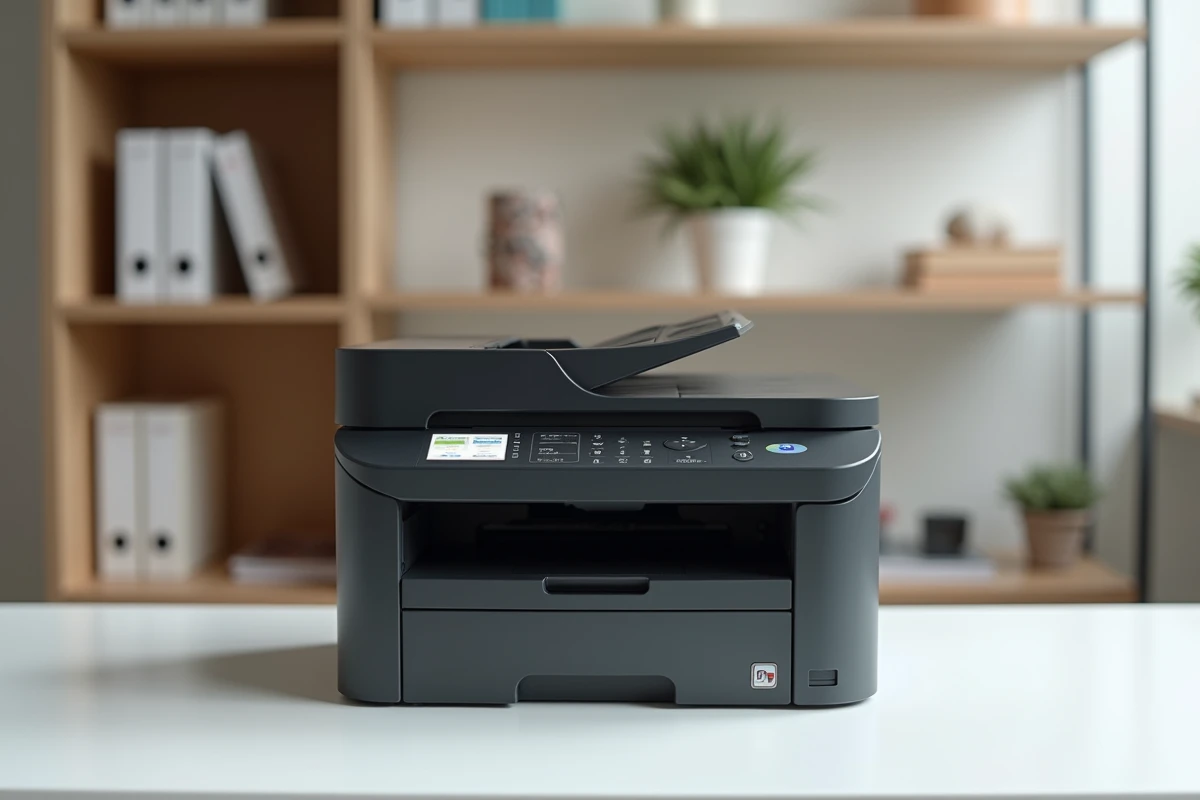
The Brother DCP-L3550CDW is a 3-in-1 color laser multifunction printer (printing, copying, scanning) designed for small professional environments. Its LED technology, similar in principle to traditional laser, produces color prints in A4 format with Wi-Fi, Ethernet, and USB connectivity. The model stands out mainly for its positioning in mixed printing environments of small businesses and SMEs, where it plays a specific role that this analysis details.
The DCP-L3550CDW as a dedicated color printer in a mixed fleet
Rather than serving as a single printer for all office needs, the Brother DCP-L3550CDW finds its most relevant place as a complement to a monochrome laser printer. The principle is simple: the monochrome handles the daily volume, the DCP-L3550CDW handles the color.
Field feedback from small businesses and SMEs confirms this pattern. Routine documents (letters, purchase orders, internal notes) go through the monochrome, which has a lower cost per page. Commercial materials, illustrated quotes, client presentations, or brochures are printed on the DCP-L3550CDW. This distribution limits color toner consumption and extends their lifespan.
By publishing a review of the Brother DCP-L3550CDW, several specialized sites emphasize that this model makes the most sense in this two-machine configuration. Used alone for a high mixed volume, the consumables bill rises faster than with a monochrome dedicated to black.
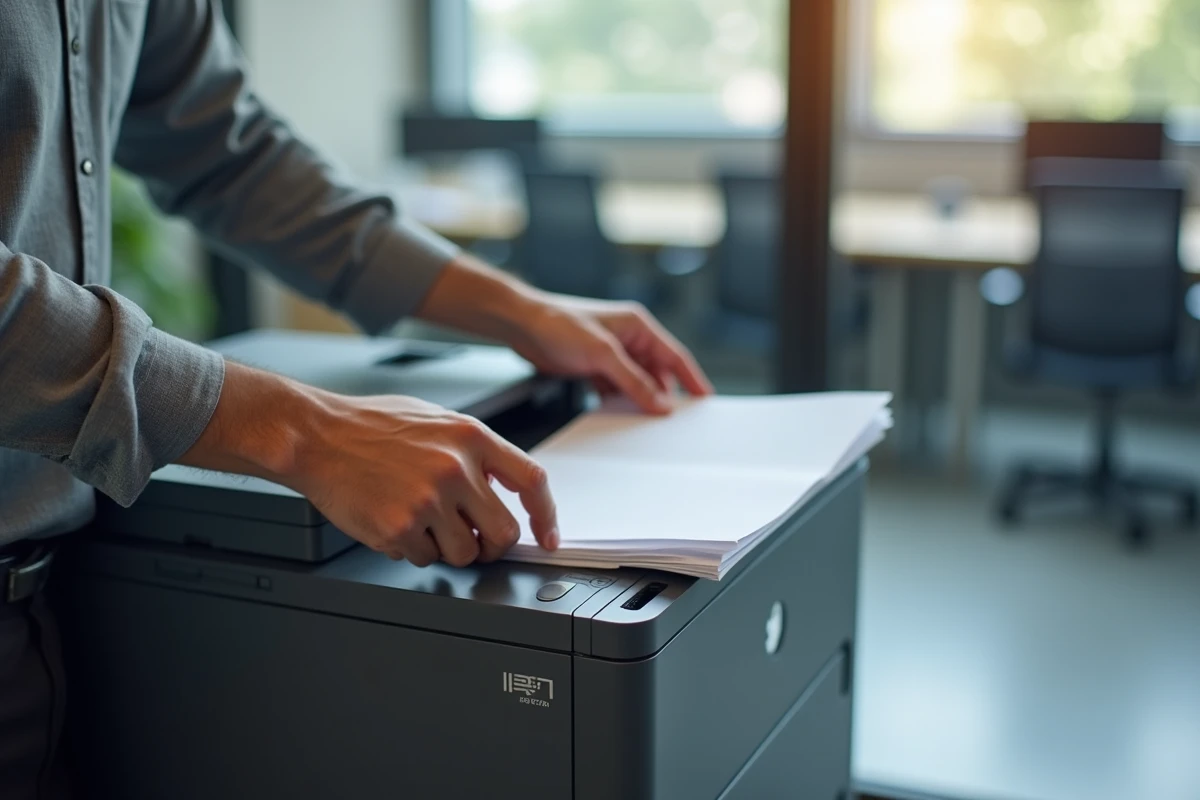
Actual usage cost of Brother TN-243 and TN-247 toners
The model uses four separate toners (cyan, magenta, yellow, black). Two ranges exist: the TN-243 (standard capacity) and the TN-247 (high capacity). Choosing the TN-247s systematically significantly reduces the cost per page compared to standard cartridges.
One point that distinguishes Brother from some competitors is the absence of a blocking chip on the toners. Specifically, the machine does not refuse to print when a toner reaches a low estimated threshold. The user can continue until the powder is completely exhausted. On competing machines (notably some HP models), a chip may force replacement before the toner is empty.
Drums and belt: the forgotten consumables
Beyond the toners, the DCP-L3550CDW uses a drum (DR-243CL) and a transfer belt (BU-230CL). These parts have a longer lifespan, but their unit cost is significant. Many buyers only calculate the price of the toners and discover these items after several months of use.
- The drum DR-243CL is replaced after several thousand pages, depending on the volume and type of documents printed
- The transfer belt BU-230CL wears out gradually and generates quality defects (bands, misalignments) as it approaches the end of its life
- The used toner recovery tray (WT-223CL) also requires periodic replacement, often overlooked in cost estimates
Incorporating these three items into the total printing cost calculation avoids unpleasant surprises. The cost per page announced by manufacturers generally reflects only the toner.
Brother DCP-L3550CDW compared to HP M283fdw and Canon MF643Cdw
In recent buying guides, the DCP-L3550CDW is regularly compared to the HP Color LaserJet Pro M283fdw and the Canon i-Sensys MF643Cdw. The positioning of each model differs based on concrete criteria.
| Criterion | Brother DCP-L3550CDW | HP M283fdw | Canon MF643Cdw |
|---|---|---|---|
| Medium-term usage cost | More attractive (high-capacity toners, no blocking chip) | Higher (chips on cartridges) | Intermediate |
| First page speed | Slower | Faster | Intermediate |
| Footprint | Bulkier | More compact | More compact |
| Integrated fax function | No (3-in-1 model) | Yes (4-in-1) | No |
The Brother comes out ahead on medium-term usage cost and the freedom offered by the absence of a blocking chip. However, the HP M283fdw remains faster on the first printed page, a factor that matters when prints are frequent but in small volume.
The footprint of the DCP-L3550CDW can be an issue in a shared office. Its width and depth exceed those of the two competitors. In a mixed fleet, it occupies a dedicated space, reinforcing the idea of positioning it as a common color machine rather than as a personal printer.
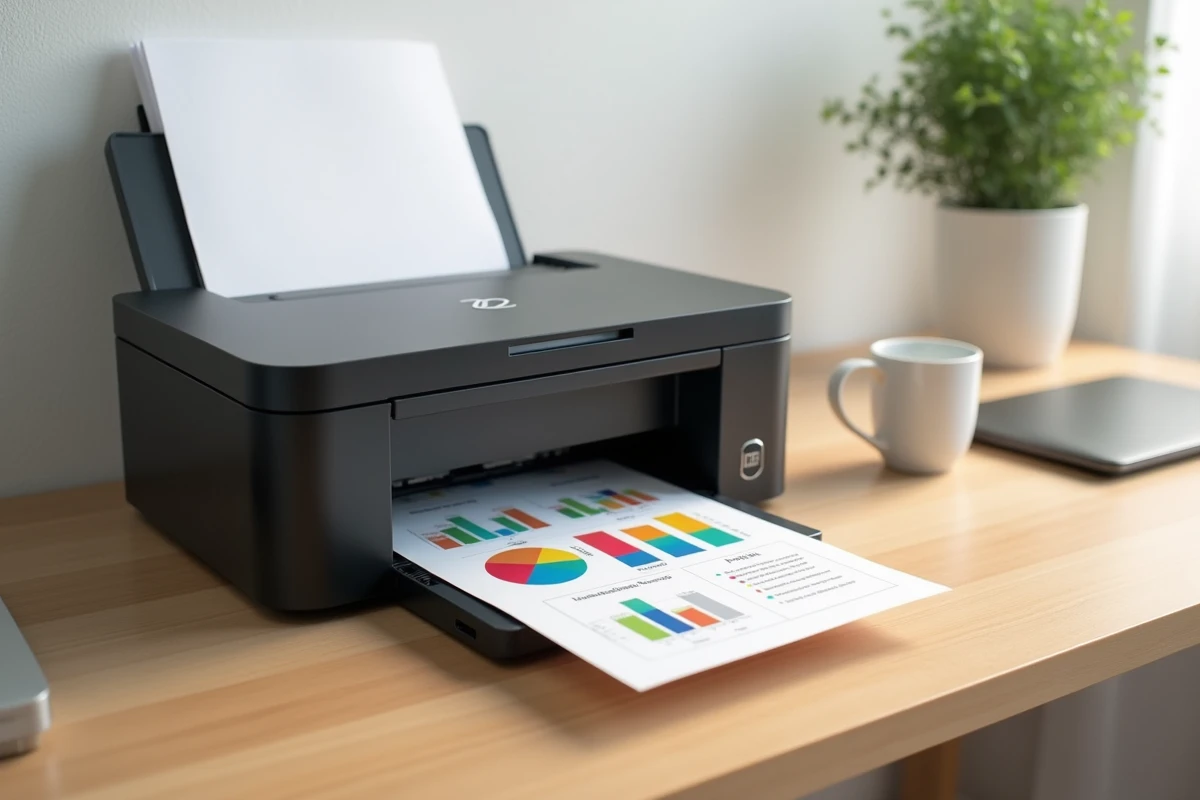
Network connectivity and daily maintenance
The DCP-L3550CDW offers three connection modes: Wi-Fi, wired Ethernet, and USB. In a mixed fleet configuration, wired Ethernet connection ensures superior stability compared to Wi-Fi for a machine shared among multiple workstations.
The machine’s color touchscreen simplifies direct copying and scanning operations. Scanning to email, to a network folder, or to USB is configured once and remains accessible without IT intervention. For a small business without technical service, this point reduces dependence on an external provider.
Routine maintenance to consider
Cleaning the corona wire (integrated into the drum) resolves most print quality issues (vertical bands, dull colors). Brother provides an accessible lever without tools directly on the drum. The official Brother FAQ details this procedure in case of image quality degradation.
Replacing the drum and the belt remains the most technical operation. On this model, both parts can be changed without a screwdriver, but their handling requires a minimum of attention to avoid exposing the drum to direct light, which can damage it.
The DCP-L3550CDW fulfills its role reliably when used according to its purpose: a shared color machine for commercially valuable documents, supported by a monochrome for volume. Asking it to do everything alone leads to underutilizing a fast monochrome and overconsuming color toners. Proper sizing of the fleet conditions satisfaction as much as the quality of the machine itself.